
The getting started checklist
Until you import your first product, your Zonify dashboard shows a short checklist. It has two or three steps, depending on your business model.
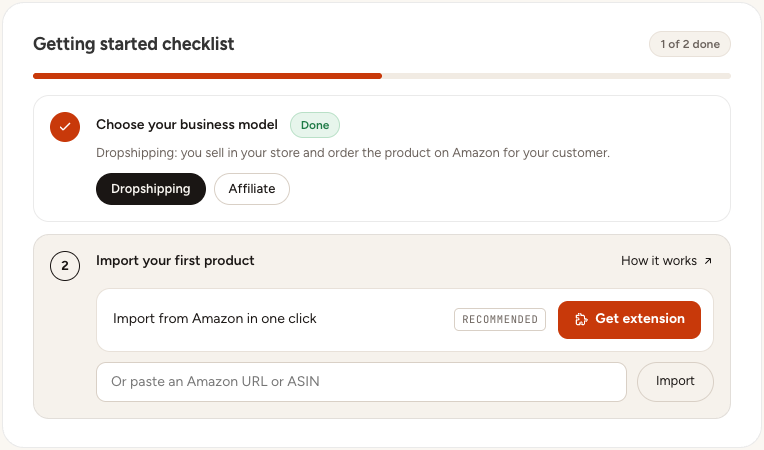
1. Choose your business model
Pick Dropshipping or Affiliate. This is your store's default. You can still choose the model for each product when you import it, and change it later from the Import List. Not sure which one? Read Choosing the right business model.
2. Add your Amazon affiliate ID (affiliate only)
If you pick Affiliate, the checklist asks for your Amazon marketplace and your affiliate ID (also called a tracking ID, for example yourstore-20). Without it, Amazon can't pay you for the sales you send. How to get your affiliate ID.
3. Import your first product
Paste an Amazon product link or ASIN and click Import, or install the Chrome extension and click Add on an Amazon product page. See How to import products to your store.
Once your first product is in your store, the checklist is replaced by your dashboard home, with the import box, your numbers and your recent imports.
Still stuck? Email support@zonify.app and include your store URL.