
How to Create Custom Product Descriptions with Zonify?
Description templates are reusable text, such as your shipping or returns policy, that you can use on any product you import.
Create a template
- Open your Zonify dashboard and go to Settings > Descriptions.
- Click New template.
- Give it a name, for example "Shipping and returns", and write the text. You can use bold, italic, headings and lists.
- Click Save template.
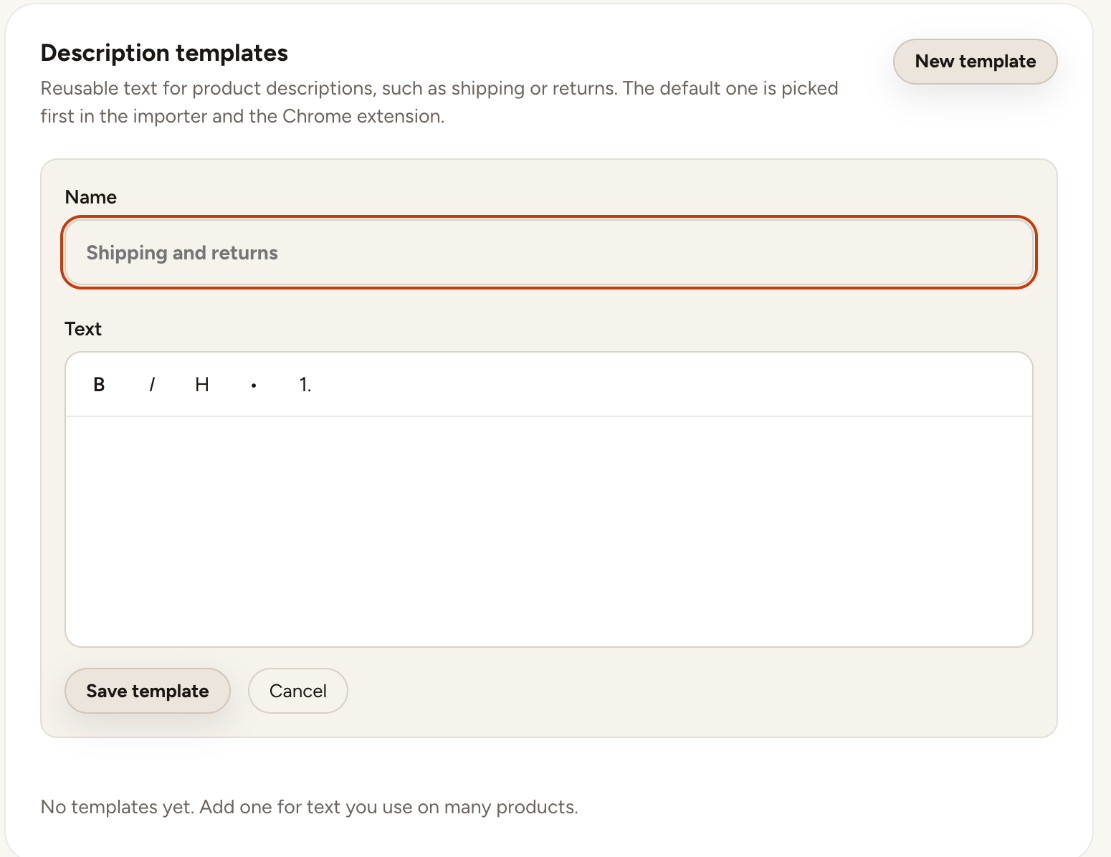
Your default template is picked first in the dashboard editor and in the Chrome extension.
Use a template
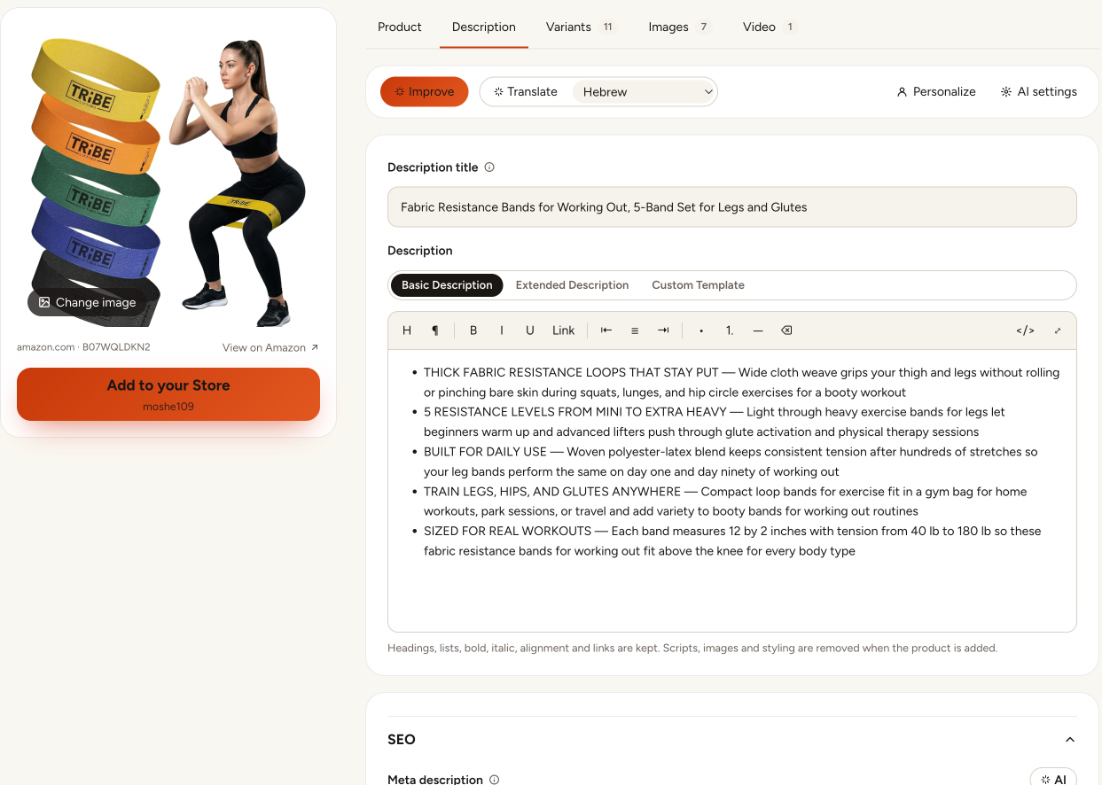
In the editor's Description tab, choose Custom Template instead of the Basic or Extended description from Amazon. You can still edit the text for that product.
Still stuck? Email support@zonify.app and include your store URL.